iOS / macOS indie development
When your main machine is Windows or Linux, run Xcode builds, simulator debugging, and Archive signing on a dedicated Mac instead of buying hardware for occasional packaging.
Configure dev instance →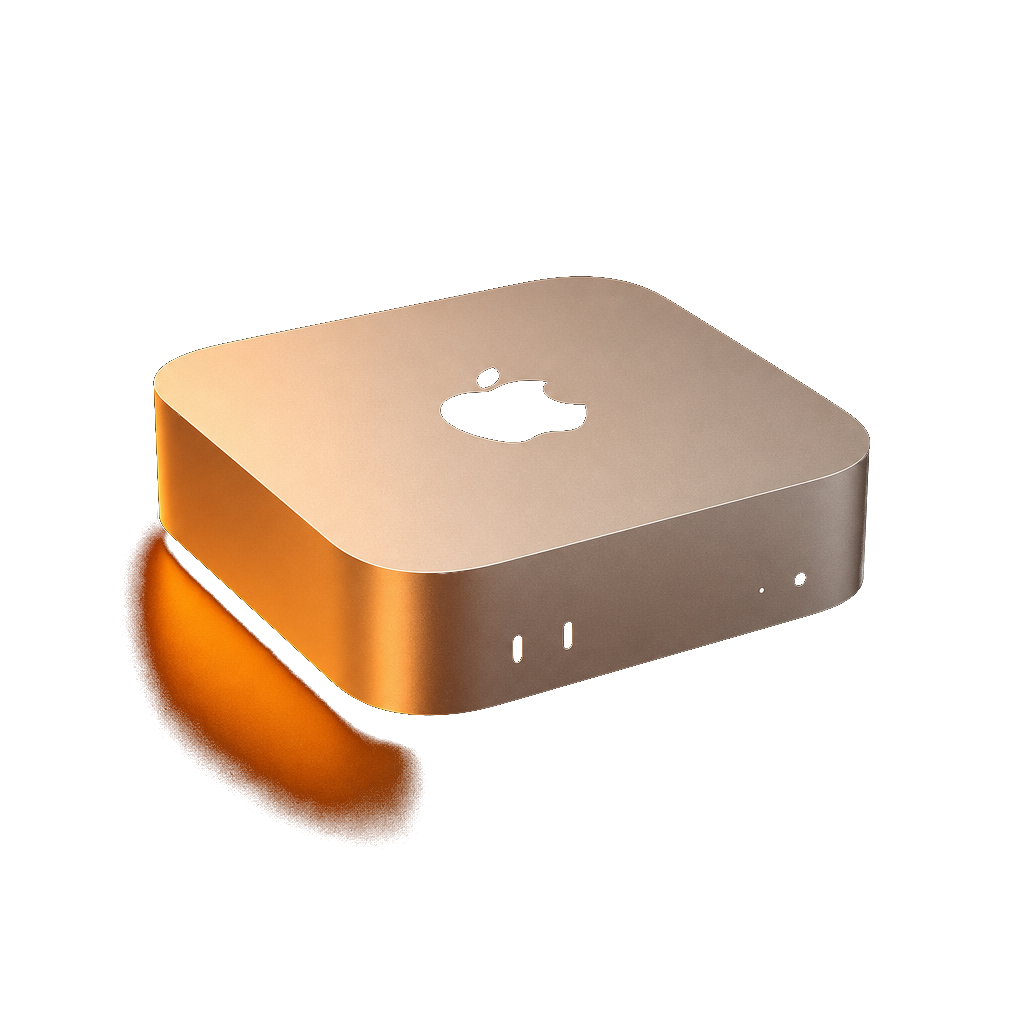
Dedicated physical Mac—not a VM · full macOS admin · VNC & SSH remote access
PixVPS rents dedicated physical Mac mini M4 machines in the cloud—when you don't own a Mac, Xcode builds stall your release, or you need a fixed overseas IP for App Store testing, a remote Mac that is 100% yours is the fastest path.
You develop on Windows or Linux but need to compile, sign, and ship iOS apps through Xcode before they hit the App Store.
GitHub Actions macOS runners queue for 30+ minutes at peak; shared cloud Mac hosts sandbox your permissions—you want undiluted Apple Silicon, not another virtualized VPS.
Every PixVPS instance is one dedicated physical Mac mini M4: real M4 silicon, 16 GB unified memory, dedicated public IPv4, and full macOS administrator rights—install Xcode, CocoaPods, and any dev stack freely.
Connect via browser VNC for instant remote desktop, SSH for CI/CD pipelines and scripts, or RealVNC / Jump Desktop for a native-feeling session—pick the method that fits your workflow.
Typical use cases
iOS indie developers, CI engineers, and remote teams often lack a local Mac, hit Xcode build bottlenecks, or need a stable overseas public IP—PixVPS delivers dedicated hardware, not shared virtualization.
When your main machine is Windows or Linux, run Xcode builds, simulator debugging, and Archive signing on a dedicated Mac instead of buying hardware for occasional packaging.
Configure dev instance →Stand up a fixed macOS build node for GitHub Actions, Jenkins, or GitLab—skip public runner queues and keep every build time predictable.
View weekly / monthly plans →Use the M4 chip's 38 TOPS Neural Engine for on-device inference; pair with OpenClaw sandbox to isolate Agent permissions with full audit trails.
Learn access options →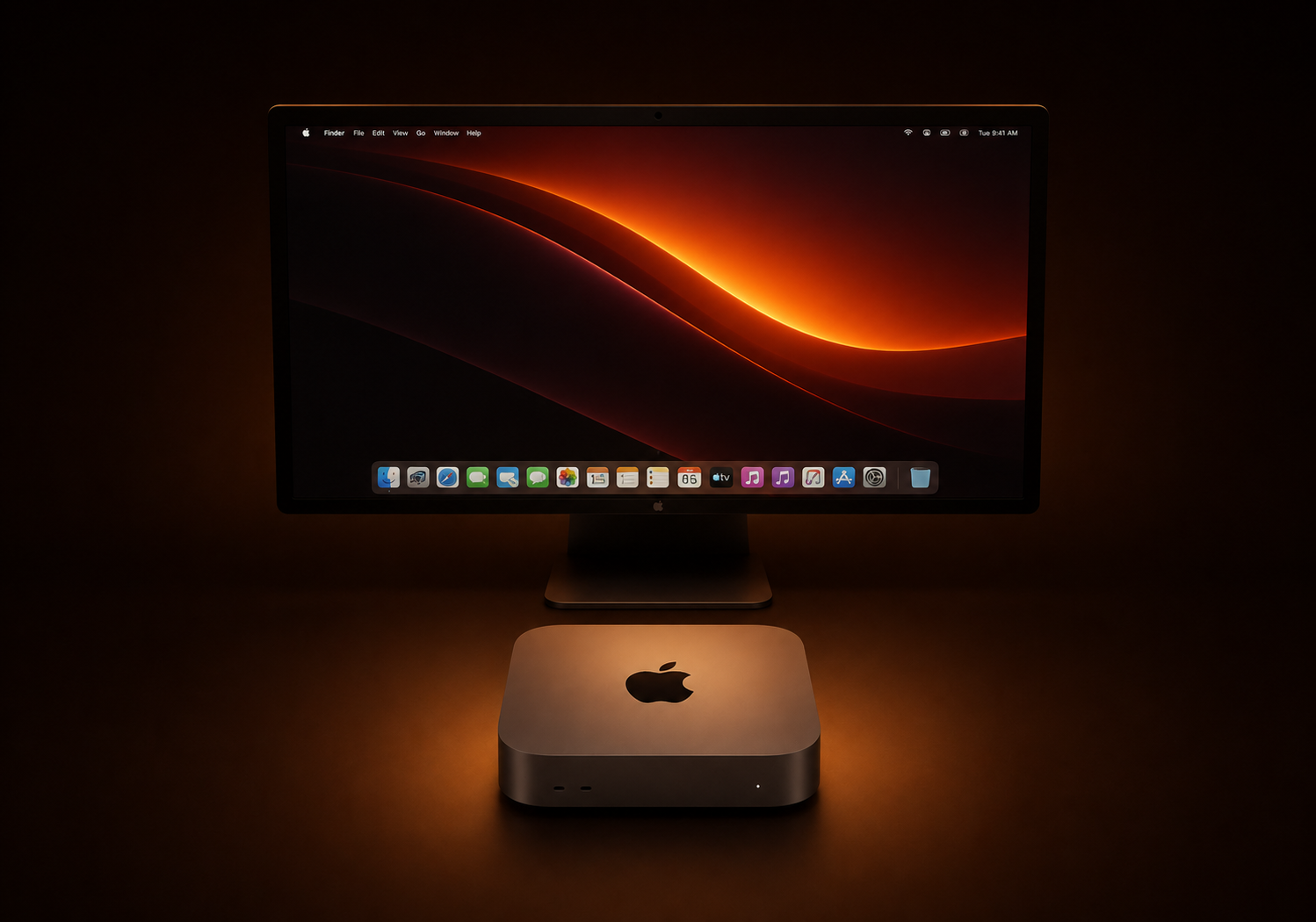
Hardware specs
All five regions—Singapore, Tokyo, Seoul, Hong Kong, US East—ship the same hardware. Below is the baseline PixVPS standard Mac mini M4 configuration.
Remote access
Pick GUI or CLI for your remote Mac: VNC for UI debugging, SSH for CI/CD and scripts—credentials live in one place in your console.
Open the remote macOS desktop in your browser—ideal for quick debugging, demos, or environments where you cannot install a client.
Copy SSH command and credentials from your console, then work in a macOS Shell from your local terminal—built for CI/CD scripts and automated deploys.
Import the VNC address into RealVNC, Jump Desktop, or similar for a more native-feeling experience.
Step-by-step connection and power management guides are in the Help Center.
Powered by the latest Apple M4 chip with zero virtualization overhead—native macOS performance for heavy workloads like Xcode compiles and simulator testing.
Every unit includes 16 GB unified memory and 256 GB NVMe SSD—a balanced speed-and-efficiency baseline for most dev and build scenarios.
Plug into GitHub Actions, Jenkins, or GitLab. Turn your rented Mac into a dedicated high-speed build node and ship iOS and macOS apps faster.
Tap the M4 chip's 38 TOPS Neural Engine to deploy, test, and run local LLMs and AI Agents in the cloud.
Comparison
Many cloud Mac offerings are virtualized or oversold. PixVPS keeps one physical device per tenant—stable Xcode performance and verifiable full macOS admin rights.
| Comparison | PixVPS physical Mac mini M4 | Typical shared cloud / virtualization |
|---|---|---|
| Hardware form factor | Dedicated physical hardware, no overselling | Virtualized or shared CPU time slices |
| macOS permissions | Full administrator access | Often sandboxed or locked-down images |
| Xcode / Simulator | Stable, predictable compile performance | Peak-hour swings, large projects time out |
| Network | Dedicated IPv4 + 1 Gbps bandwidth | Shared egress, IPs may change |
| Minimum rental | From $21.1/day, no contract lock-in | Often monthly or long-term contracts |
Getting started
No sales call, no manual review. Pick a region, pay, get credentials—entirely on the web, delivered automatically in 1–5 minutes after payment.
Start step one: choose a nodeChoose one of Singapore, Tokyo, Seoul, Hong Kong, or US East; bill daily / weekly / monthly / quarterly, with optional SSD or TB5 clustering add-ons.
Pay with USDT-TRC20 or Stripe (Visa / Mastercard / Amex)—all settled in USD.
VNC / SSH credentials appear in the console—open in your browser to work remotely; email notification sent too.
Real environment
Not an abstract compute quota—Mac minis in the rack, macOS on your browser, compile progress in Xcode—every step is real.

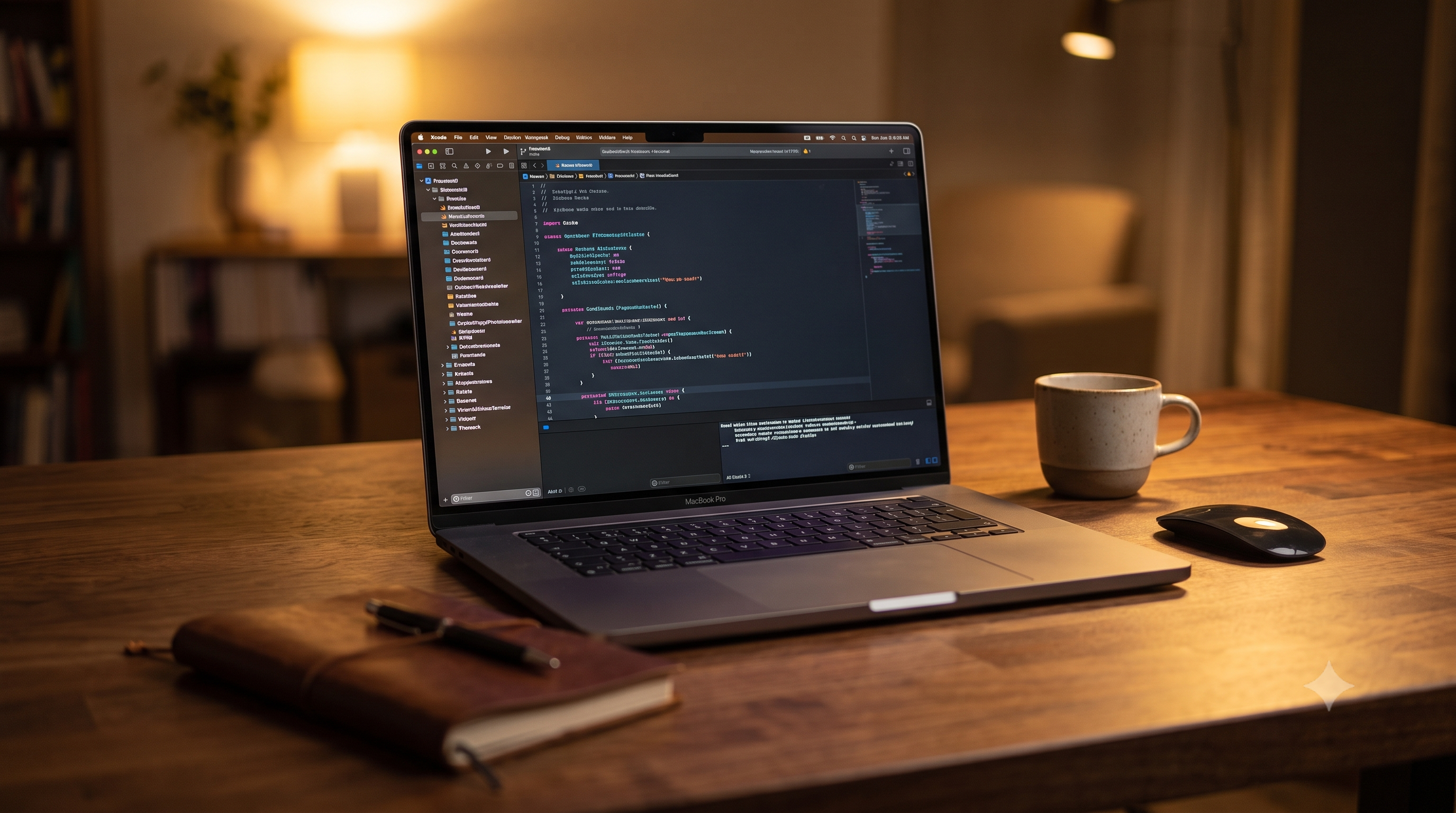
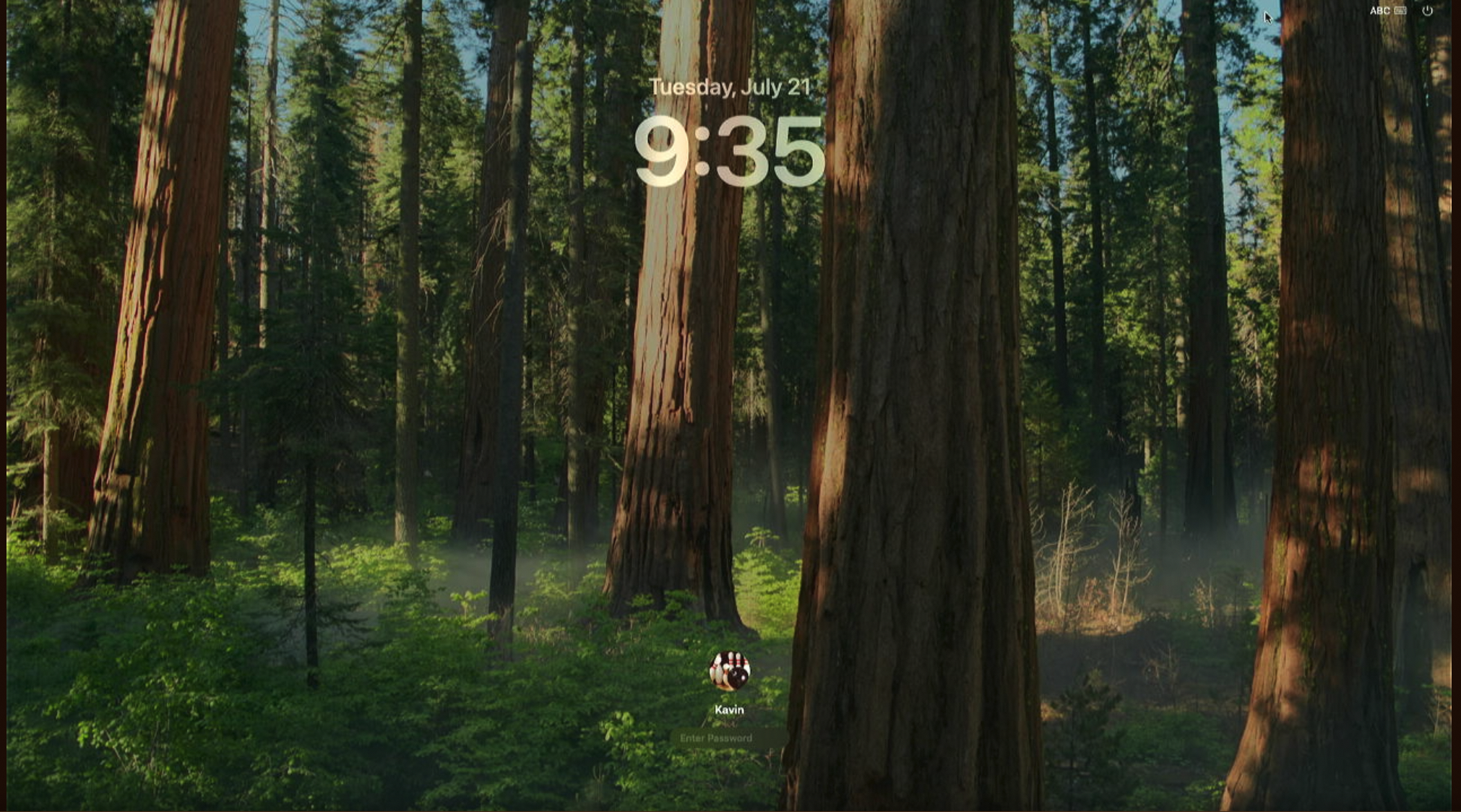
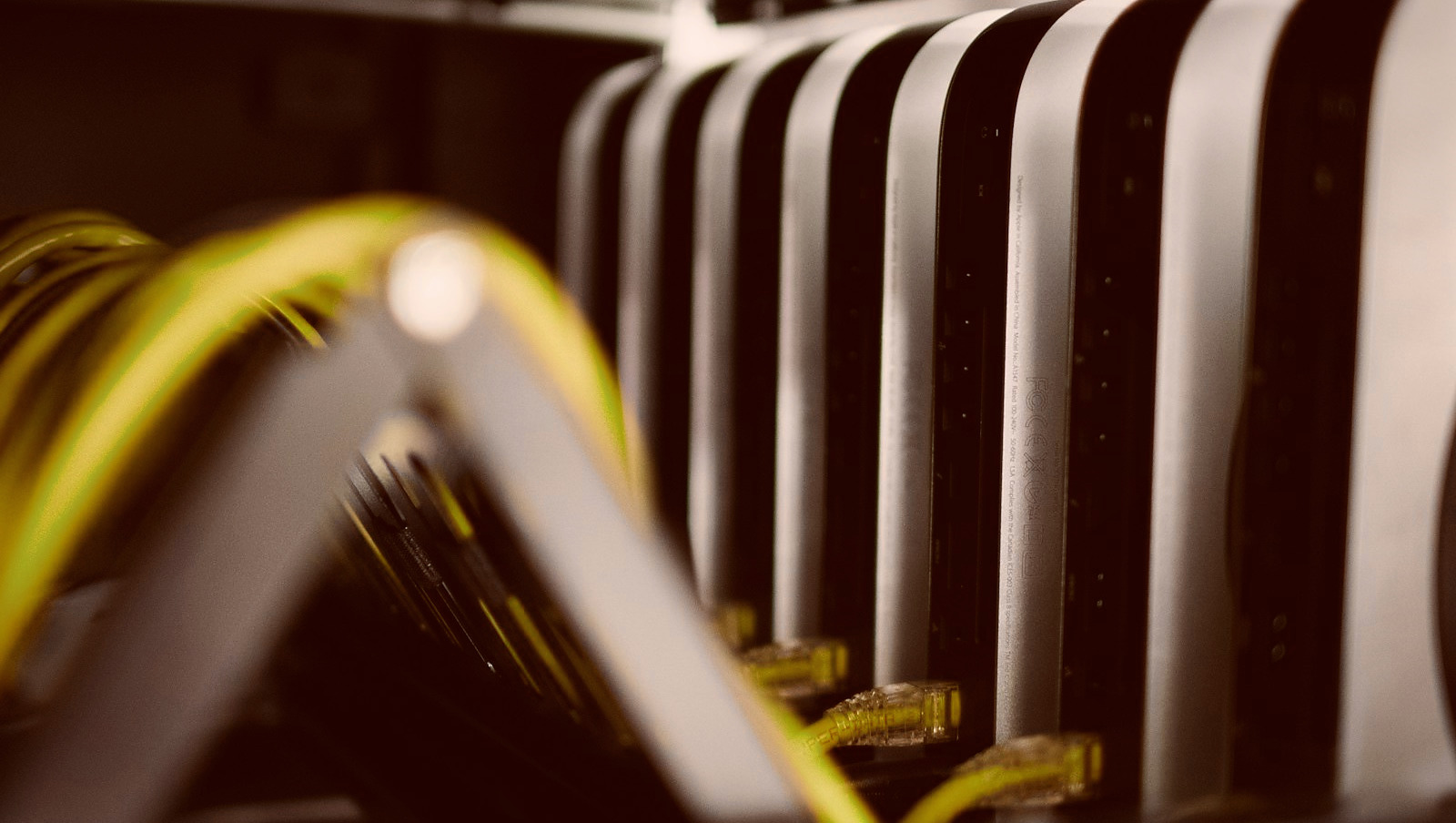
Same price across Singapore, Tokyo, Seoul, Hong Kong, and US East—choose freely at checkout.
More answers in the full FAQ in our Help Center.
Dedicated Mac mini M4 physical machines from $21.1/day at all five regions—VNC and SSH credentials arrive in 1–5 minutes after payment. No hardware purchase required; begin iOS development and Xcode builds now.